Clear Sound at Home: Create a Noise-Free Environment with the Right Computer Accessories

Clear Sound at Home: Create a Noise-Free Environment with the Right Computer Accessories
In an age where remote work, online meetings, and streaming have become part of everyday life, sound quality matters more than ever. A quiet environment isn’t just about comfort—it affects focus, well-being, and productivity. With the right computer accessories, you can create a calm soundscape that makes both work and leisure more enjoyable.
Why Noise Matters More Than You Think
Background noise from fans, keyboards, traffic, or neighbors might seem harmless, but it can take a toll on your concentration and stress levels. Constant noise makes it harder to focus and can even lead to fatigue. Small adjustments to your tech setup can make a big difference.
Start by identifying where the noise comes from: Is it your computer’s fan? The room itself? Or maybe poor audio from others during meetings? Once you know the source, you can choose the right tools to minimize it.
Choose a Quiet Keyboard and Mouse
Many people don’t realize how much sound a keyboard or mouse can produce—until they’re in a quiet room. Mechanical keyboards feel great to type on but can be loud. If you share your space or record audio, a membrane or low-profile keyboard is a better choice. These models have softer keys that significantly reduce clicking sounds.
The same goes for your mouse. A silent mouse with dampened clicks and smooth gliding can make a noticeable difference, especially if you work late or share your home office. It’s a small upgrade that quickly pays off in comfort.
Use Headphones with Active Noise Cancellation
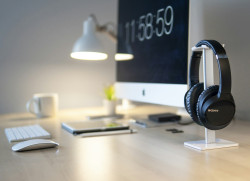
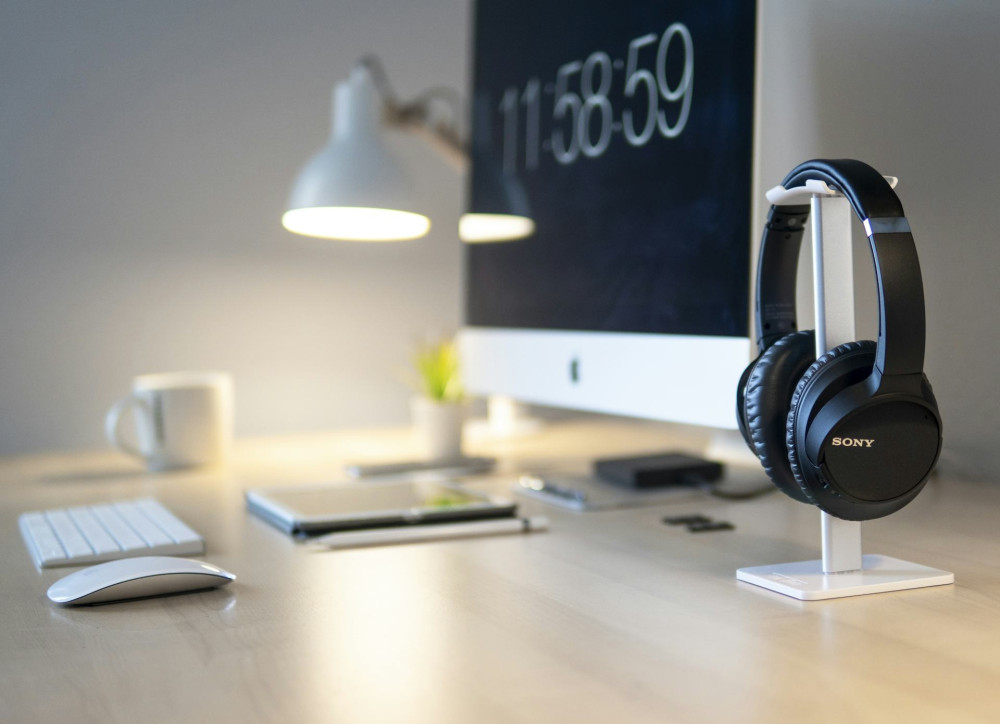
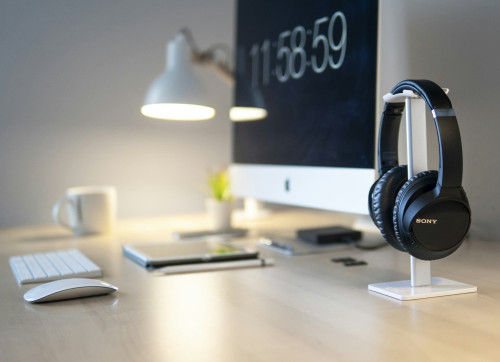
One of the most effective tools for a noise-free environment is a pair of active noise-canceling (ANC) headphones. This technology detects ambient sounds and produces counterfrequencies to cancel them out, creating a peaceful bubble even in a busy household.
There are many options—from compact in-ear models to full-size over-ear headphones. If you spend long hours at your computer, comfort is key. Look for soft ear cushions and an adjustable headband to prevent fatigue.
Many modern headphones also include noise-filtering microphones, ensuring your voice sounds clear and professional during calls or virtual meetings.
Microphones That Cut Out Background Noise
If you participate in online meetings, record podcasts, or stream content, a good microphone is an investment in clear communication. Built-in laptop mics often pick up room echo and background noise.
A USB microphone with a cardioid pickup pattern focuses on your voice and minimizes surrounding sounds. Pair it with a pop filter and a microphone arm for a professional setup that looks and sounds great.
Improve Room Acoustics and Soundproofing
Even the best gear can’t fix poor room acoustics. Hard surfaces like glass, concrete, and wood floors cause sound to bounce around. You can improve the sound quality with a few simple changes:
- Rugs and curtains absorb sound and reduce echo.
- Bookshelves and textiles act as natural sound diffusers.
- Acoustic panels or foam tiles on walls can further reduce reflections.
These adjustments not only improve sound but also make your space feel warmer and more inviting.
Læs også:

Don’t Overlook Power and Cables
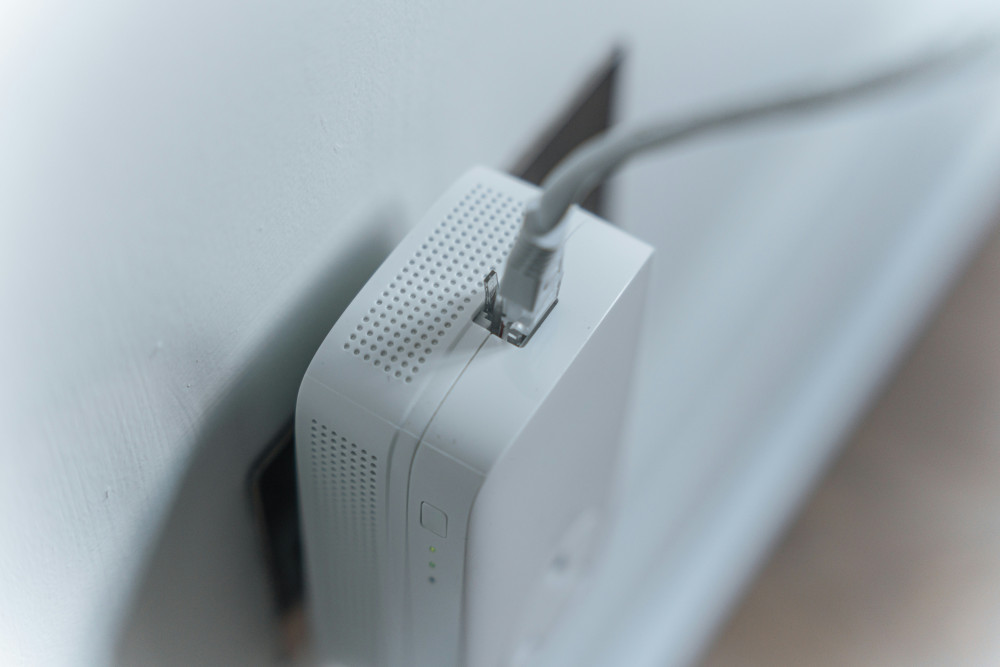
Electrical interference is an often-overlooked source of unwanted noise. Cheap power supplies and unshielded cables can cause hums or static in speakers and microphones. Use shielded cables and quality power adapters, and avoid overloading a single power strip. This not only improves sound quality but also extends the life of your equipment.
Create Calm Through Better Habits
Technology helps, but quiet also comes from mindful habits. Turn off unnecessary notifications while working, and use software that filters background noise during calls—many video platforms now include this feature. Try setting up your workspace away from noisy appliances like washing machines or kitchen equipment.
A noise-free environment doesn’t mean total silence—it’s about balance, allowing you to hear what matters and tune out the rest.
Clear Sound Brings Clarity to Everyday Life
When you invest in better sound, you invest in your own peace of mind. A quiet home office or media corner makes it easier to focus, communicate, and enjoy music or movies without distractions. With the right computer accessories, you can create a space where technology supports your calm instead of disrupting it.
Læs også: