On the Go with Technology: How to Choose the Right Travel-Friendly Device

On the Go with Technology: How to Choose the Right Travel-Friendly Device
Whether you’re heading out for a weekend getaway, a business trip, or a long vacation, technology has become an essential travel companion. The right device can make the difference between a stressful journey and a smooth one—but with so many options on the market, choosing can be tricky. Should you bring a lightweight laptop, a tablet, or just rely on your smartphone? Here’s a guide to help you pick the perfect travel-friendly device for your needs.
Know Your Needs – and Your Travel Style
Start by thinking about how you use technology when you travel. Are you working remotely, streaming movies, taking photos, or just staying in touch with family and friends? Your purpose determines what kind of device will serve you best.
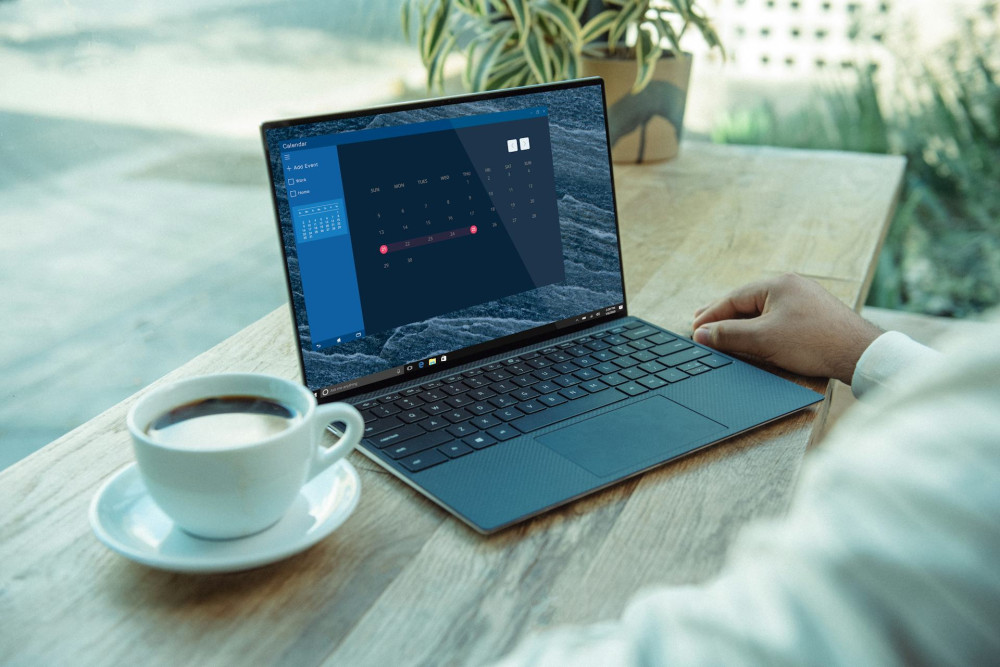
- Business travel: You’ll need a device that can handle emails, documents, and video calls. An ultralight laptop or a 2-in-1 hybrid with a detachable keyboard is often the best choice.
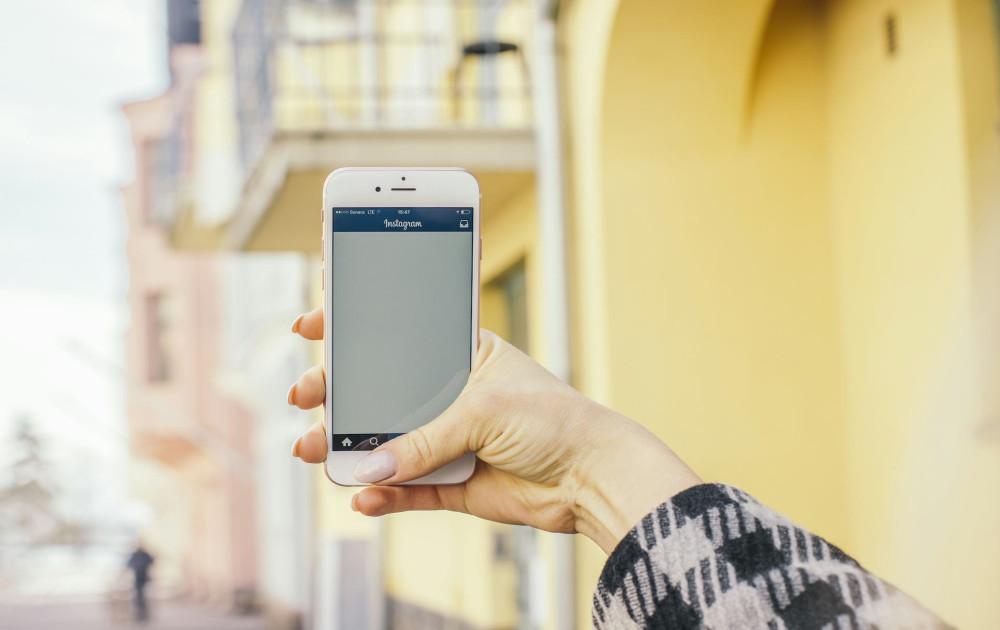
- Leisure trips: Entertainment, navigation, and photography are key. A tablet or a high-end smartphone can cover most of your needs.
- Adventure travel: If you’re heading outdoors or off the grid, battery life and durability matter more than performance. Look for a rugged, water-resistant device and pack a reliable power bank.
Once you know your priorities, it’s easier to decide what matters most—weight, battery life, screen size, or functionality.
Weight and Size – The Traveler’s Essentials
When you’re packing, every ounce counts. A heavy laptop can quickly become a burden, especially if you’re carrying it all day. That’s why weight and size are crucial factors.
- Smartphones are the most compact and can now handle many tasks that once required a computer.
- Tablets offer a larger screen for reading, streaming, and light work, while still being easy to carry.
- Ultrabooks and Chromebooks combine light weight with strong performance—ideal for travelers who need to work on the go.
A good rule of thumb: choose a device that fits easily in your carry-on and can be used comfortably in tight spaces like airplane seats or coffee shops.
Battery Life and Charging – Freedom Without Outlets
Few things ruin a trip faster than a dead battery. Always check battery life before buying a device. Many modern models promise 10–15 hours of use, but real-world performance depends on how you use them.
Also consider:
- A high-capacity power bank for multiple recharges.
- A multi-port charger so you can power your phone, tablet, and earbuds at once.
- A universal travel adapter, especially if you’re traveling abroad—an inexpensive item that can save you a lot of frustration.
Læs også:



Connectivity and Flexibility
Staying connected is essential when you’re on the move. Most devices offer Wi-Fi, but if you often find yourself in areas with spotty connections, consider a model with built-in SIM support or 5G capability.
Alternatively, you can use your phone as a mobile hotspot, though it will drain your battery faster. If you work with large files, cloud storage is a smart solution—it keeps your data accessible without filling up your device.
Durability and Security
Travel can be tough on electronics. Devices get dropped, exposed to moisture, or squeezed into overstuffed bags. Choose a model with a sturdy build, screen protection, and ideally water resistance.
Security is just as important:
- Use passwords or biometric locks.
- Enable remote wipe in case your device is lost or stolen.
- Back up your data before you leave home.
These precautions can save you a lot of stress if something goes wrong.
Accessories That Make Travel Easier
Small accessories can make a big difference. Consider packing:
- Noise-canceling headphones – perfect for flights and trains.
- Compact keyboard – great for typing on a tablet.
- Protective case – to guard against bumps and scratches.
- USB hub or adapter – especially useful if your laptop has limited ports.
These little extras can make your travel experience more comfortable and efficient.
The Right Device Is the One That Fits You
There’s no single perfect travel device—only the one that best fits your needs. For some, it’s a lightweight laptop; for others, a tablet or a smartphone with a great camera and long battery life. The key is to choose technology that supports your journey rather than complicates it.
With a bit of planning and the right gear, you can travel lighter, work smarter, and enjoy the ride—whether you’re heading to a bustling city, a quiet beach, or the great outdoors.
Læs også: