Poor Wi‑Fi Upstairs? How to Get Coverage Throughout Your Home

Poor Wi‑Fi Upstairs? How to Get Coverage Throughout Your Home
You know the feeling: the internet works perfectly in the living room, but as soon as you head upstairs, the signal drops. You’re holding your phone, the video starts buffering, and the router downstairs keeps blinking as if nothing’s wrong. Weak Wi‑Fi coverage is one of the most common frustrations in modern homes—but luckily, it’s also one of the easiest to fix. Here’s how to get strong, reliable Wi‑Fi in every corner of your house.
Understand Why the Signal Fails
Wi‑Fi signals travel through the air as radio waves, and they weaken every time they pass through walls, floors, or furniture. Materials like concrete, brick, and metal are especially tough on the signal, while wood and drywall block it less.
Other electronics—like microwaves, cordless phones, and baby monitors—can also interfere, especially if they use the same frequency band as your router.
In short: the farther you are from the router, and the more obstacles the signal has to pass through, the weaker your connection will be.
Start with the Router’s Location
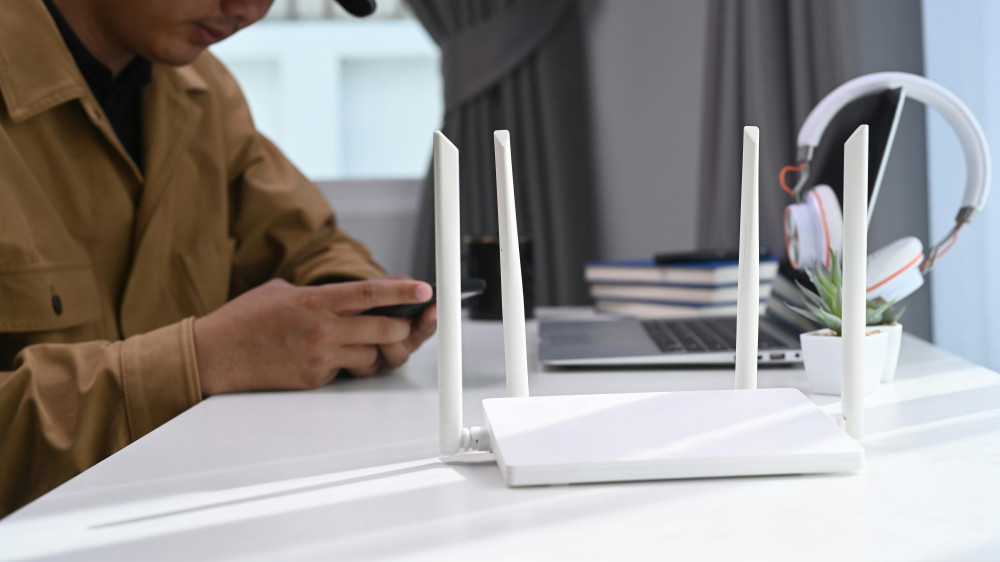
The first step is to check where your router sits. Many people tuck it away in a corner, behind the TV, or inside a cabinet—but that’s rarely ideal.
- Place the router in a central location, ideally on the main floor, so the signal can reach both upstairs and downstairs.
- Keep it clear of obstructions—don’t hide it behind furniture or inside a closed cabinet.
- Raise it off the floor, such as on a shelf, so the signal spreads more evenly.
A good rule of thumb: if you can see the router from where you use the internet most, you’ll likely get a better connection.
Use the Right Frequency Bands
Most modern routers broadcast on two frequency bands: 2.4 GHz and 5 GHz.
- 2.4 GHz travels farther and penetrates walls better, but it’s slower and more prone to interference.
- 5 GHz offers faster speeds but has a shorter range.
If your upstairs connection is weak, try connecting your devices to the 2.4 GHz network. When you’re close to the router and want maximum speed, switch to 5 GHz.
Consider a Mesh Network
If you live in a larger or multi‑story home, a single router often can’t cover the entire space. That’s where a mesh network comes in.
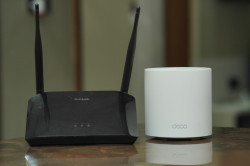
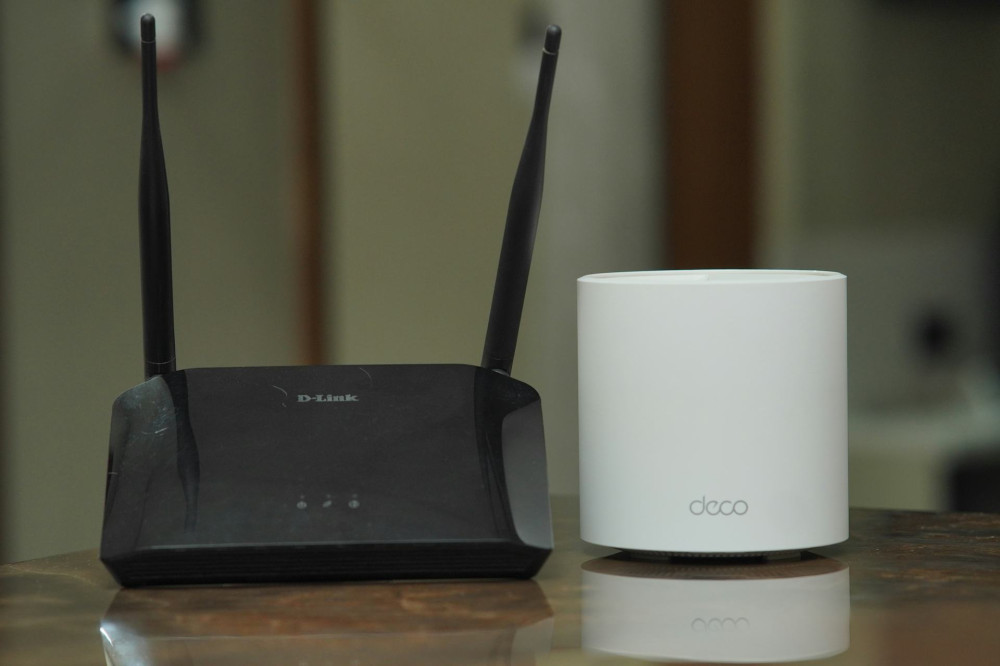
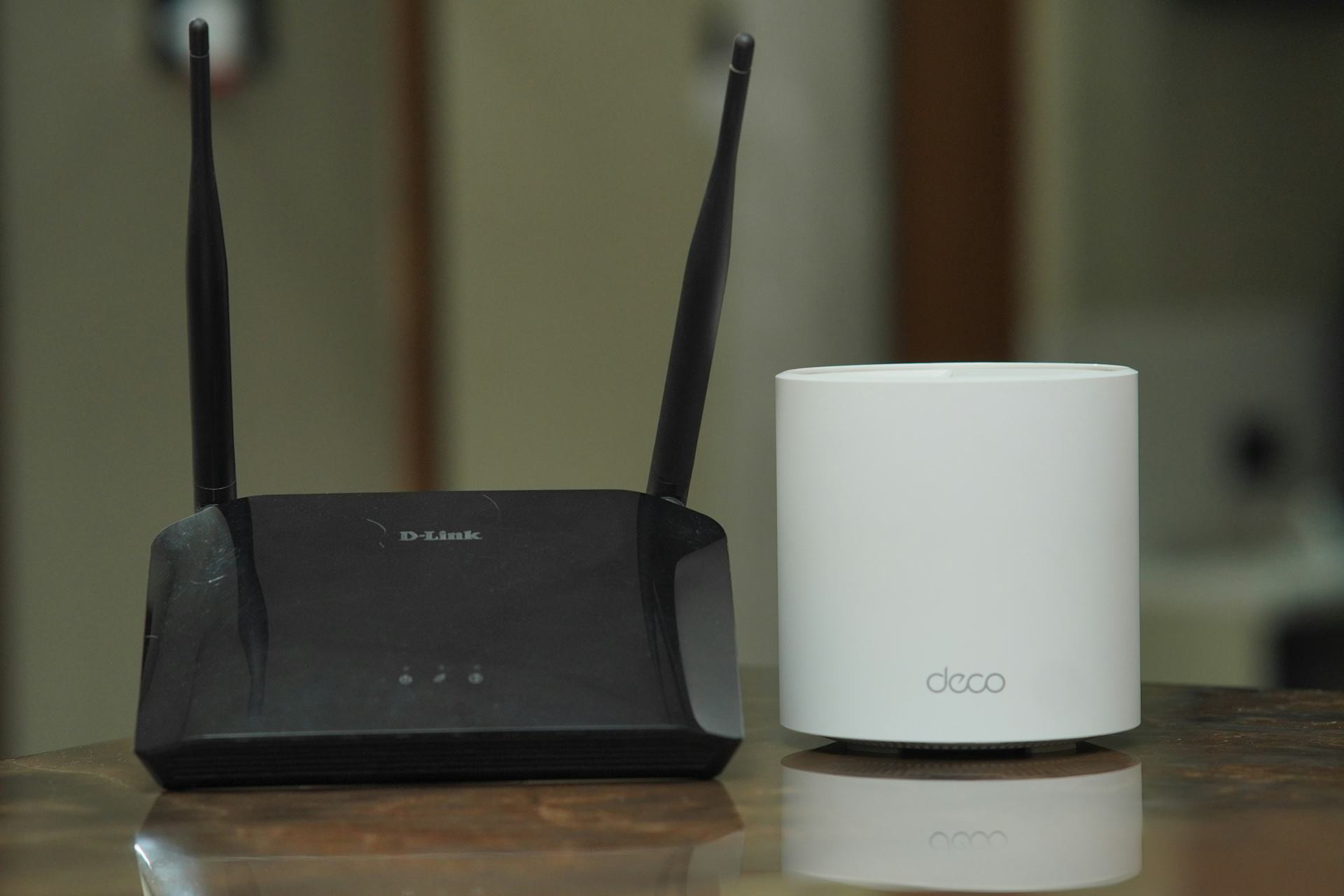
A mesh system uses multiple small devices—called nodes—that work together to distribute the signal evenly throughout your home. You might place one near the router, one on the staircase, and another upstairs.
The advantage is seamless coverage: your devices automatically connect to the node with the strongest signal as you move around, without you noticing a switch.
Læs også:


Other Options: Extenders, Powerline, or Cables
If a mesh system feels like overkill, there are more affordable alternatives:
- Wi‑Fi extender (repeater): Boosts the signal from your router, but can reduce speed since it both receives and transmits on the same channel.
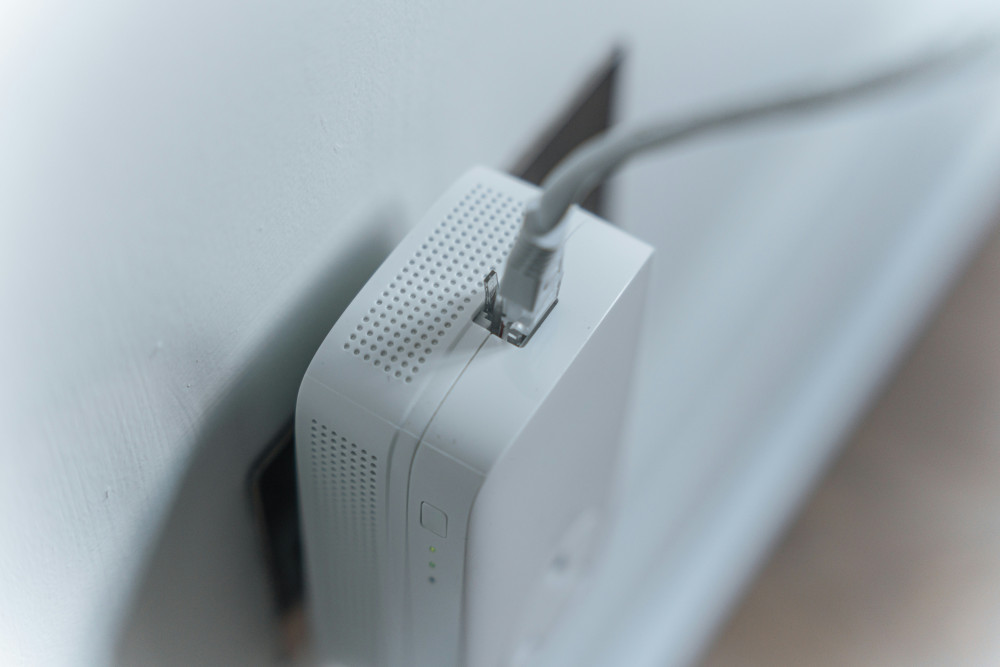
- Powerline adapter: Sends the internet signal through your home’s electrical wiring. It’s a good option for thick walls, but works best if your wiring is in good condition.
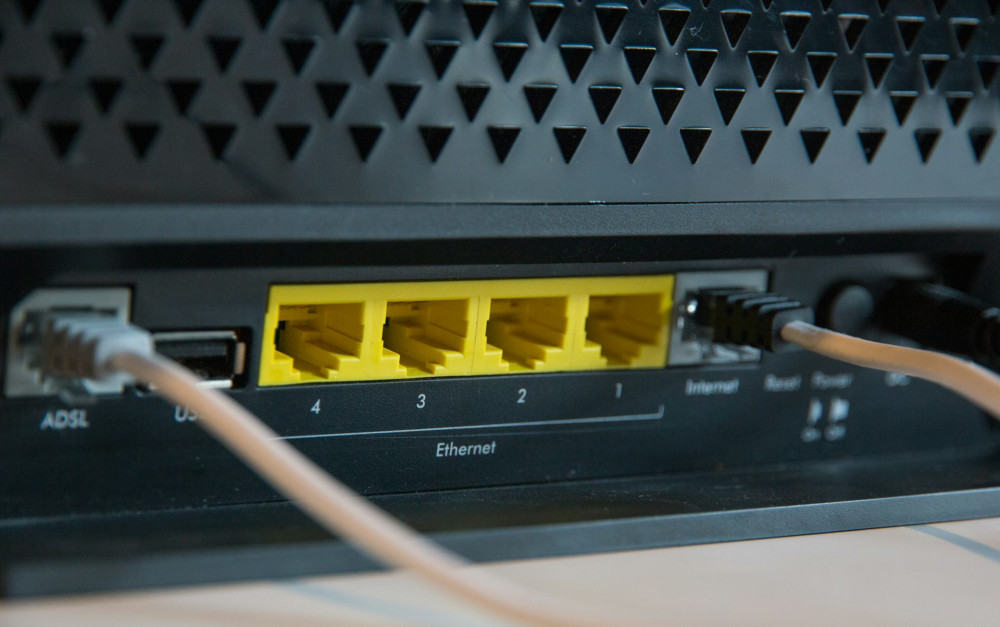
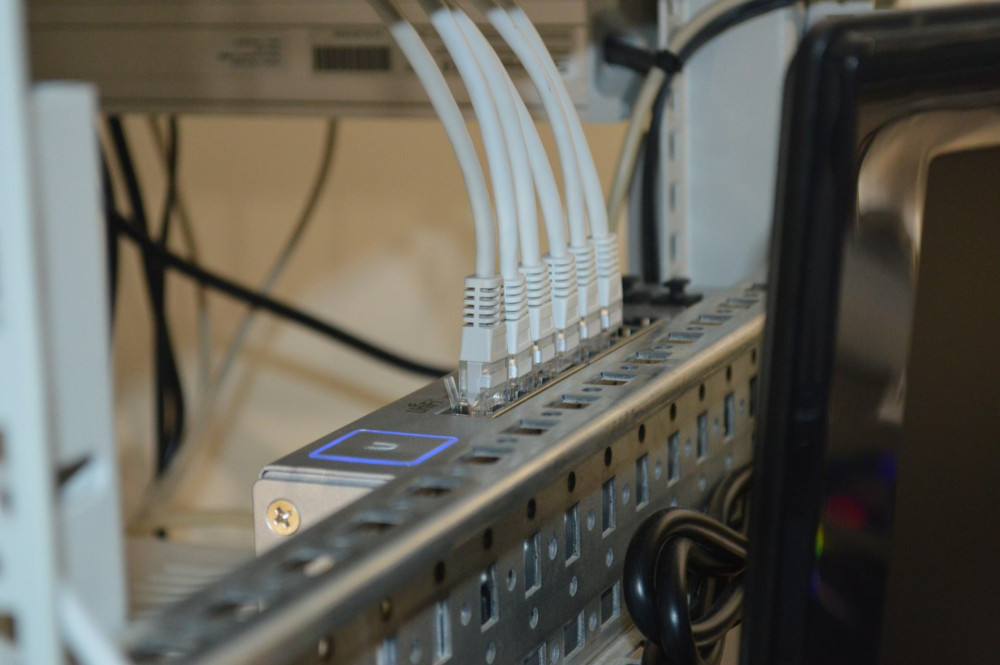
- Ethernet cable: The most stable solution. You can run a cable from your router to an access point upstairs, which then broadcasts its own Wi‑Fi signal.
Your choice depends on your needs and budget—but remember, a solid wired connection is always the foundation of a reliable wireless network.
Update Your Equipment
Routers age just like any other tech. If yours is more than five years old, it may lack modern standards like Wi‑Fi 6, which offers faster speeds and better range.
Check with your internet provider—many will replace your router for free or for a small fee. Upgrading to a newer model can make a noticeable difference on its own.
Test and Fine‑Tune
After moving your router or adding new equipment, test your coverage. Use a free Wi‑Fi analyzer app to measure signal strength in different rooms.
Walk around your home and note where the signal drops. That will help you decide whether to move a node, adjust antennas, or add another access point.
Small adjustments can make a big difference—especially in homes with thick walls or multiple floors.
Enjoy a Smoother Online Experience
A strong Wi‑Fi network isn’t just about technology—it’s about everyday comfort. When your connection simply works, you can stream, work, and connect without frustration.
With the right placement, proper equipment, and a bit of patience, you can enjoy full coverage throughout your home—even upstairs, where the signal used to fade away.
So next time your video freezes mid‑stream, remember: the solution might be just a few feet—or one extra node—away.
Læs også: