Streaming Movies, Music, and Live Content – How It Affects Your Home Data Usage

Streaming Movies, Music, and Live Content – How It Affects Your Home Data Usage
Streaming has become a central part of everyday life in the U.S. We watch movies and shows on Netflix, listen to music on Spotify or Apple Music, and tune in to live sports, concerts, and gaming streams on YouTube, Twitch, or Hulu Live. It feels effortless and unlimited—but every stream uses data, and that can have real effects on your internet speed, stability, and even your monthly bill. Here’s a closer look at how streaming impacts your home data usage and what you can do to manage it.
How Much Data Does Streaming Use?
The amount of data you use depends on the quality of what you’re streaming. The higher the resolution or audio quality, the more data you consume. Here are some typical examples:
- Music streaming: Around 40–150 MB per hour, depending on quality (standard or high).
- Video in standard definition (SD): About 1 GB per hour.
- HD video (1080p): 2–3 GB per hour.
- 4K/UHD video: 7–10 GB per hour.
- Live streaming (sports, gaming, or events): 3–7 GB per hour, depending on platform and quality.
If you watch a two-hour movie in 4K every night, that alone can add up to more than 400 GB per month. For a household with multiple people streaming at once, the total can easily climb into the terabytes.
More Devices, More Demand
In many American homes, multiple devices stream simultaneously—kids watching cartoons on tablets, parents catching up on shows in the living room, and someone else gaming online. Each stream takes up part of your available bandwidth, and if your internet plan doesn’t have enough capacity, you’ll start to notice buffering or lower picture quality.
A single HD stream typically needs 5–8 Mbps, while 4K can require 25 Mbps or more. If several devices are streaming in high quality at the same time, your connection can get overloaded. Choosing an internet plan that matches your household’s habits is key.
Læs også:

Live Content Requires Extra Stability
Live streaming—like sports, concerts, or esports—puts special demands on your connection. Unlike on-demand video, live content can’t buffer ahead of time. The data has to arrive in real time, and even small interruptions can cause lag or dropouts.
If you regularly watch live events, it’s worth investing in a stable, low-latency connection. Fiber internet or modern cable broadband are usually the best options for smooth, uninterrupted live streaming.
How to Reduce Your Data Usage
Streaming is data-intensive, but you can easily adjust your habits without sacrificing quality:
- Lower the resolution: On smaller screens like phones or tablets, the difference between HD and 4K is barely noticeable, but the data savings are significant.
- Download instead of stream: Many services let you download movies, shows, or playlists for offline viewing or listening.
- Use Wi-Fi instead of mobile data: Streaming over cellular networks can quickly eat through your data plan, especially with high-quality video.
- Check your app settings: Most streaming apps have “data saver” or “automatic quality” options that adjust resolution based on your connection.
- Turn off autoplay: Many platforms automatically start the next episode or video, which increases data use even when you’re not actively watching.
What It Means for Your Internet Connection
If your streams keep buffering or the picture looks fuzzy, it’s often a sign that your connection is too slow or unstable. Here’s what you can do:
- Run a speed test to see if you’re getting the speeds you’re paying for.
- Upgrade your plan if you frequently stream in 4K or have many devices online at once.
- Place your router centrally and avoid obstacles like thick walls or metal objects.
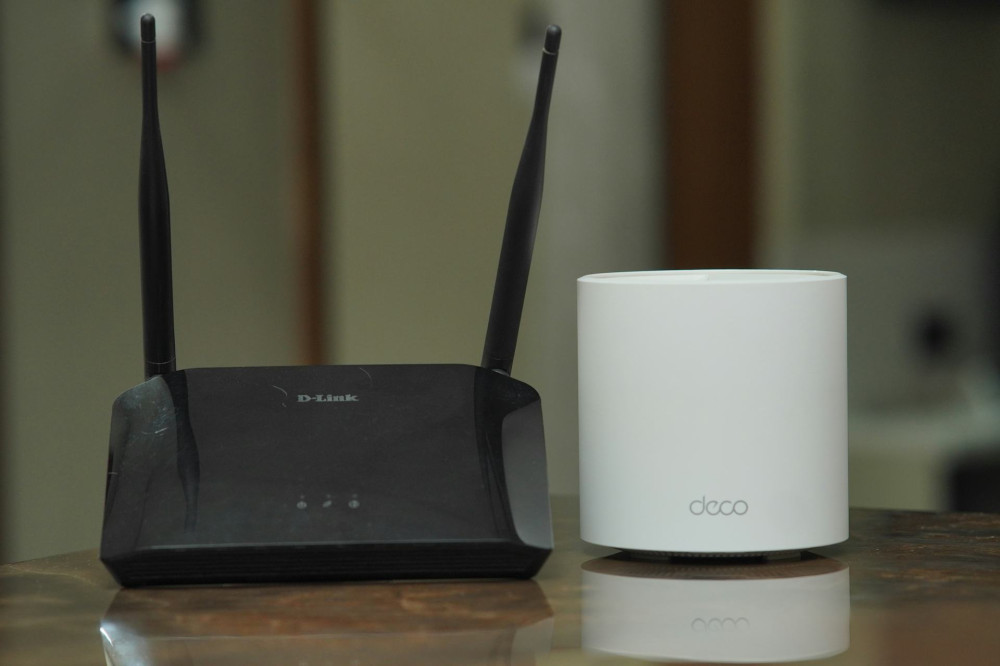
- Consider a mesh Wi-Fi system if you have a large home or multiple floors.
A strong, stable network doesn’t just improve streaming—it also makes video calls, gaming, and smart home devices work more smoothly.
Streaming Is Here to Stay—But It Pays to Be Smart
Streaming has transformed how we consume entertainment. We have instant access to nearly everything, anytime—but that convenience depends on a reliable internet connection. By understanding your data usage and making a few smart adjustments, you can enjoy seamless streaming without overloading your network or exceeding your data limits.
It’s not about streaming less—it’s about streaming smarter.
Læs også: