Understanding the Broadband Jungle: What Do Speed, Fiber, and Mbps Really Mean?

Understanding the Broadband Jungle: What Do Speed, Fiber, and Mbps Really Mean?
Choosing an internet plan in the U.S. can feel like navigating a jungle of technical terms: fiber, cable, Mbps, upload, download, latency. But what do these words actually mean—and how do you know which plan fits your household best? This guide breaks down the essentials so you can make an informed decision the next time you shop for broadband.
What Does Internet Speed Really Mean—and How Much Do You Need?
Internet speed is measured in megabits per second (Mbps). It tells you how quickly data can move between your devices and the internet. The higher the number, the faster you can stream, download, or join video calls without lag.
Here’s a rough guide to what different speeds can handle:
- 25–100 Mbps: Suitable for one or two people browsing, streaming in HD, and checking email.
- 200–500 Mbps: Great for families with multiple users streaming, gaming, and working from home.
- Gigabit (1,000 Mbps) and above: Ideal for large households, heavy gamers, or anyone transferring big files or using cloud-based software.
Keep in mind that the speed you experience can vary depending on your connection type, your Wi-Fi setup, and how many people are online at once.
Læs også:

Fiber, Cable, DSL, or 5G Home Internet—What’s the Difference?
Not all broadband connections are created equal. The technology behind your internet service affects both speed and reliability.
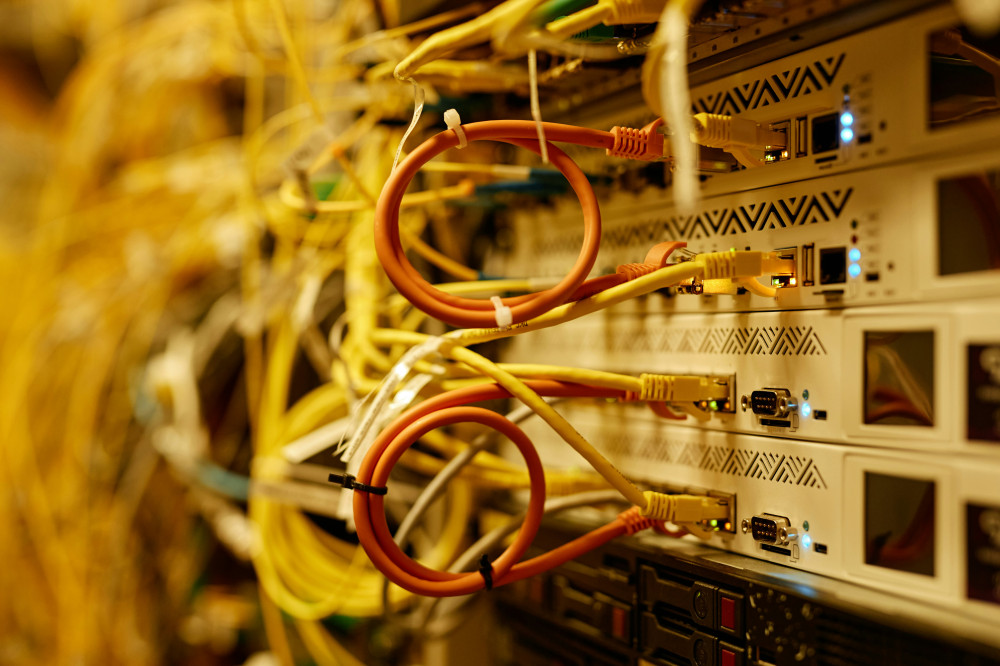
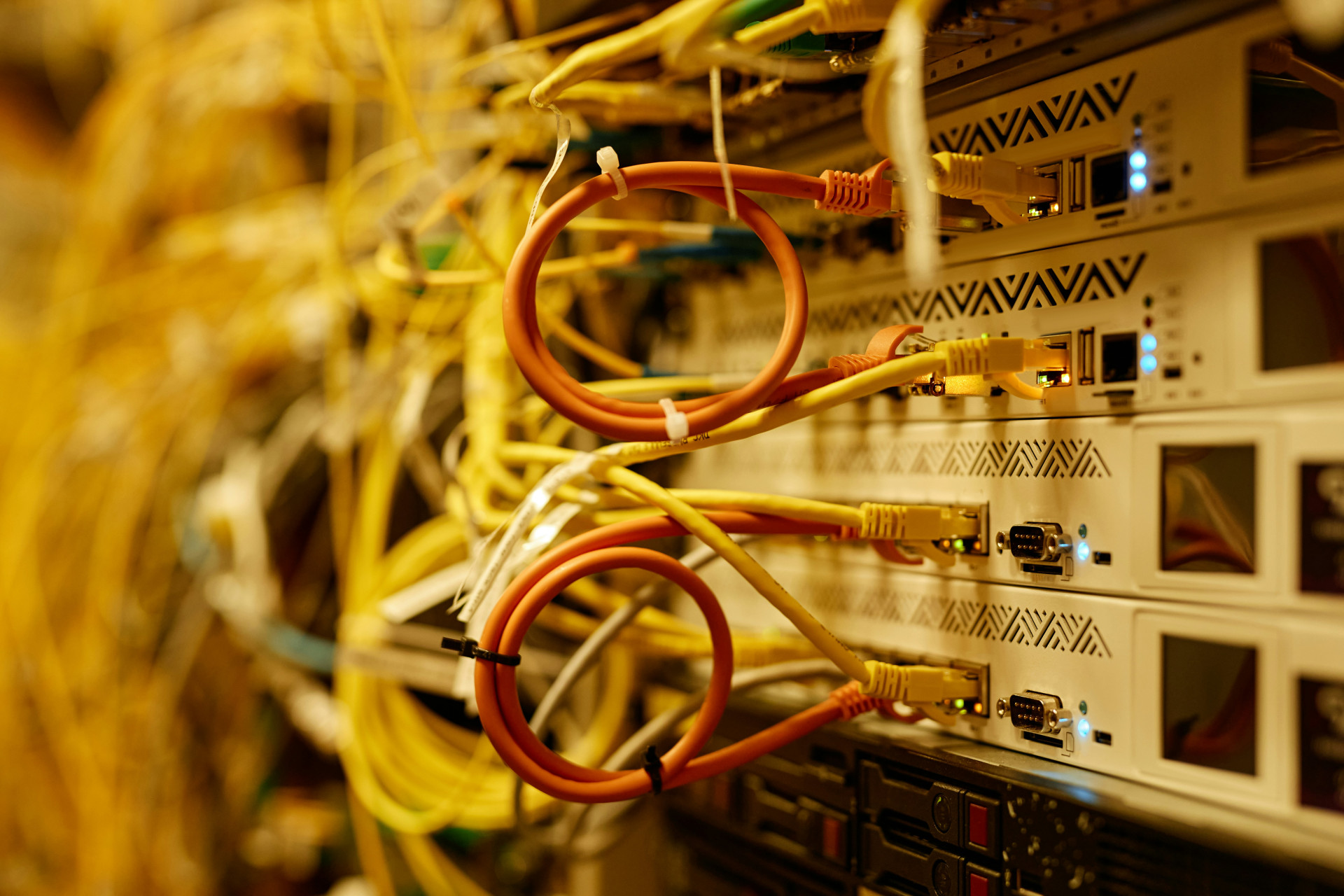
- Fiber Internet: The gold standard. Data travels as light through glass fiber cables, offering ultra-fast speeds and low latency. Perfect for streaming, gaming, and remote work. Availability is expanding but still limited in some rural areas.
- Cable Internet: Delivered through the same coaxial cables as cable TV. It can reach high download speeds, but upload speeds are usually lower. A solid choice if fiber isn’t available.
- DSL (Digital Subscriber Line): Uses traditional phone lines. It’s slower and less reliable than fiber or cable but may be the only option in some areas.
- 5G Home Internet: Uses the mobile 5G network to deliver broadband. It’s flexible and easy to set up, though performance depends on signal strength and network congestion.
Download, Upload, and Latency—Three Numbers That Matter
When comparing internet plans, don’t just look at the download speed.
- Download speed: How fast you can receive data—like streaming movies or loading websites.
- Upload speed: How fast you can send data—important for video calls, cloud backups, and sharing large files.
- Latency (Ping): The delay between sending a request and getting a response. Low latency is crucial for online gaming and real-time communication.
A balanced connection with good upload speeds and low latency can make a big difference in everyday use.
How to Test Your Internet Speed
Want to know if you’re getting the speed you pay for? Run a speed test—it only takes a few seconds and shows your download, upload, and latency results.
For the most accurate results:
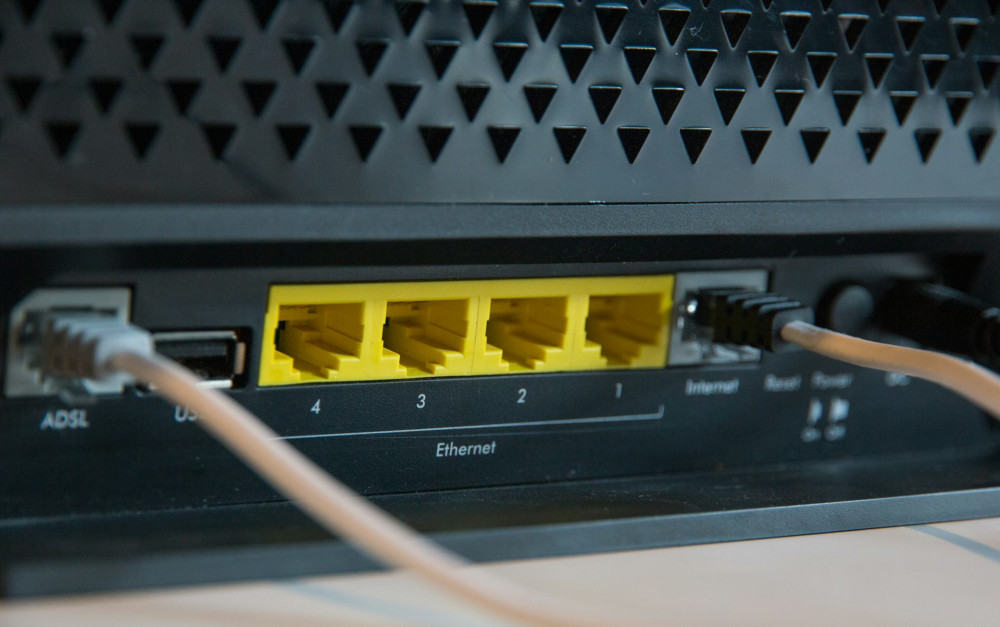
- Connect your computer directly to the router with an Ethernet cable.
- Close other apps and pause downloads.
- Run the test at different times of day to see how performance varies.
If your speeds are consistently lower than promised, contact your provider or consider switching plans.
Why Wi-Fi Setup Matters
Even the fastest broadband connection can feel sluggish if your Wi-Fi network isn’t optimized. Walls, distance, and outdated equipment can all weaken your signal.
Try these tips:
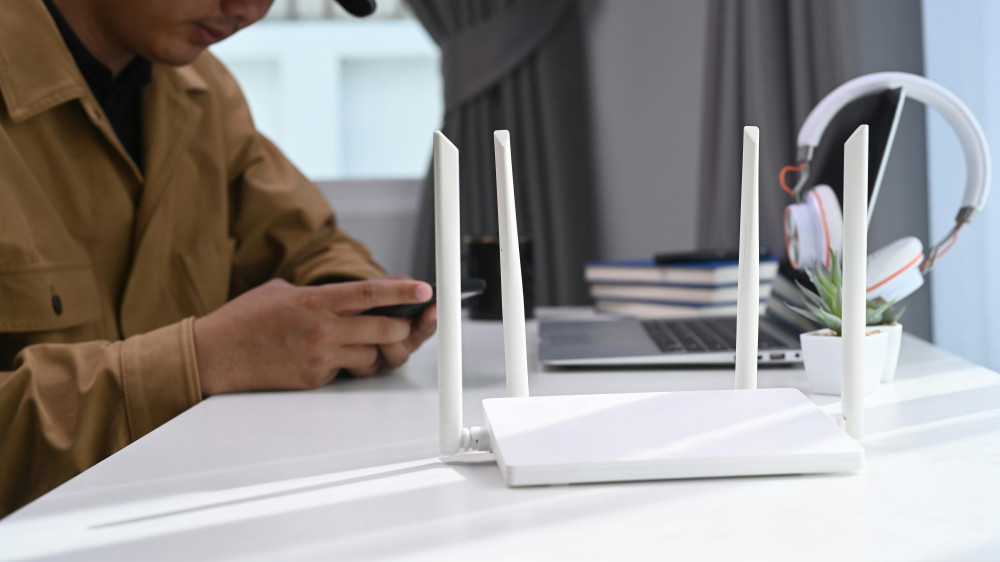
- Place your router in a central, open location.
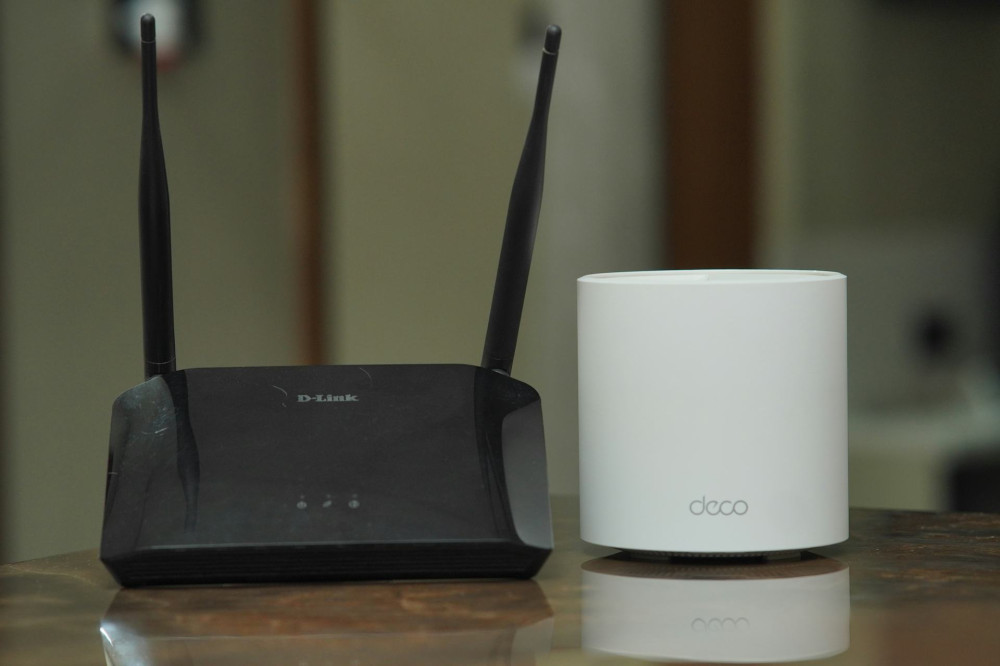
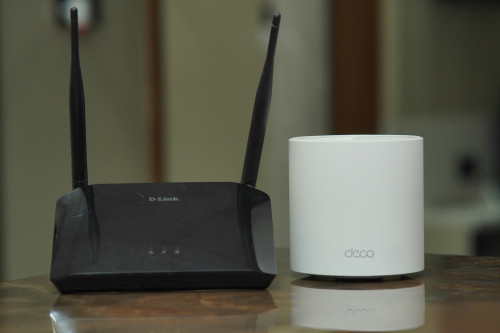
- Upgrade to a router that supports Wi-Fi 6 for better performance.
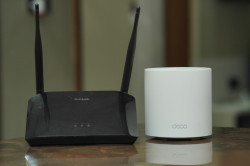
- Use a mesh Wi-Fi system to eliminate dead zones in larger homes.
A strong Wi-Fi setup ensures you actually experience the speeds you’re paying for.
Choosing the Right Plan for You
The best broadband option depends on your household size, online habits, and location. If fiber is available, it’s often the fastest and most future-proof choice. Cable and 5G home internet can also deliver excellent performance, especially in suburban and urban areas. In rural regions, DSL or satellite may still be the only options.
Think about how you use the internet: a single user who mostly browses and streams casually doesn’t need gigabit speeds, while a family of gamers and remote workers might.
The Bottom Line
Understanding the broadband jungle isn’t about becoming a tech expert—it’s about knowing the basics. Once you understand what Mbps, fiber, and latency mean, you can choose a plan that fits your lifestyle and budget. The right connection keeps your home running smoothly—fast, stable, and ready for whatever you stream, play, or create next.
Læs også: