Position Your Network Equipment Correctly – and Get the Most Out of Your Internet

Position Your Network Equipment Correctly – and Get the Most Out of Your Internet
A fast and reliable internet connection isn’t just about how many megabits per second you pay for. The placement of your network equipment—especially your router—plays a major role in how well your Wi-Fi signal spreads throughout your home. Many people experience slow speeds, dropouts, or dead zones that could easily be fixed with a few simple adjustments. Here’s a practical guide to help you position your equipment correctly and get the most out of your connection.
The Router’s Location – The Heart of Your Network
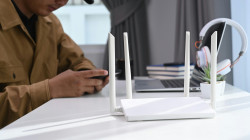
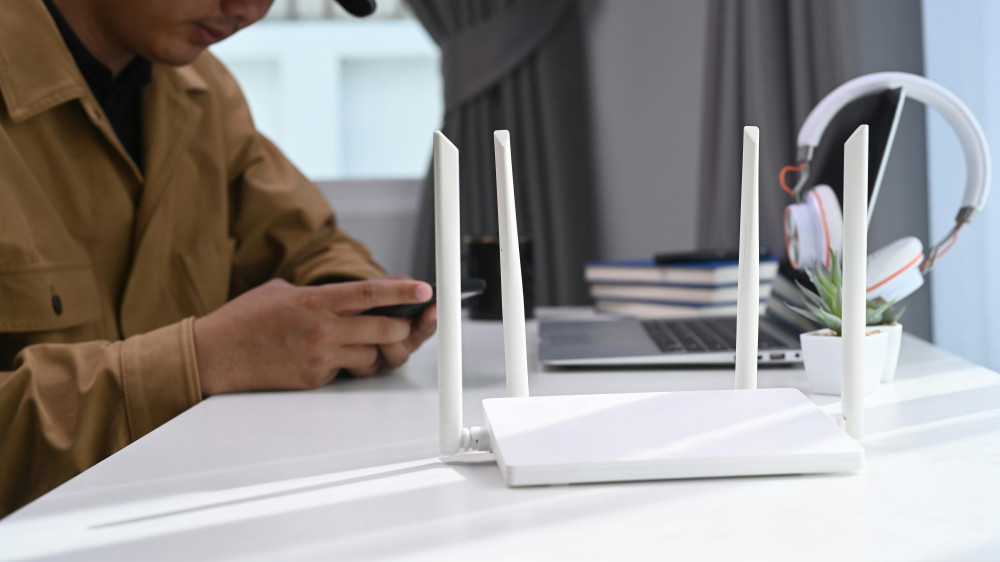
Your router is the center of your home network, and its location determines how far and how evenly the signal reaches. A router hidden behind furniture or tucked away in the basement will struggle to deliver a strong signal throughout your home.
- Place the router centrally in your home, ideally at eye level and free from obstructions.
- Avoid corners and enclosed spaces, since walls and furniture weaken the signal.
- Keep it away from metal and electronics such as microwaves, cordless phones, and TVs, which can cause interference.
- Raise the router off the floor, as the signal spreads more effectively when elevated.
Think of your router’s signal as a sphere radiating outward—the more open space around it, the better your coverage.
Understand Your Home’s Challenges
Building materials have a big impact on how Wi-Fi signals travel. Concrete, brick, and tile can significantly weaken the signal, while wood and drywall allow it to pass more easily. If you live in a multi-story home, you may need additional equipment to ensure full coverage.
- In multi-level homes, signals often struggle to pass through floors. Consider adding an extra access point or mesh node on each level.
- In older houses with thick walls, a mesh Wi-Fi system can help distribute the signal evenly.
- In newer homes with energy-efficient windows, the coating on the glass can reflect Wi-Fi signals—running an Ethernet cable to certain rooms may be the best solution.
In short: know your home’s “blind spots” and plan your equipment placement accordingly.
Mesh, Extender, or Cable – What’s Right for You?
If your router alone doesn’t cover your entire home, there are several ways to expand your network.
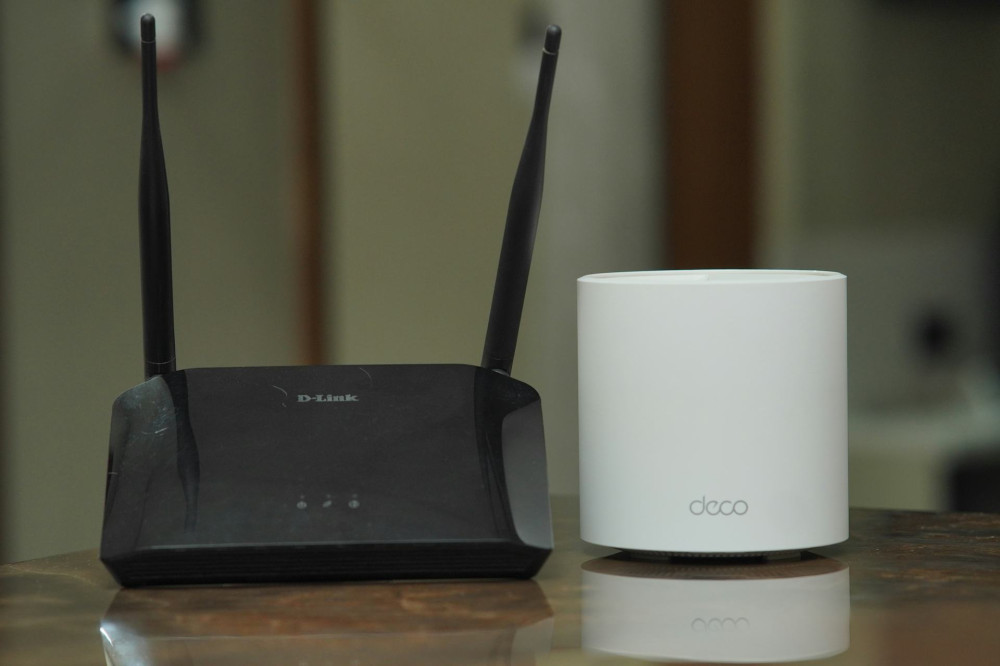
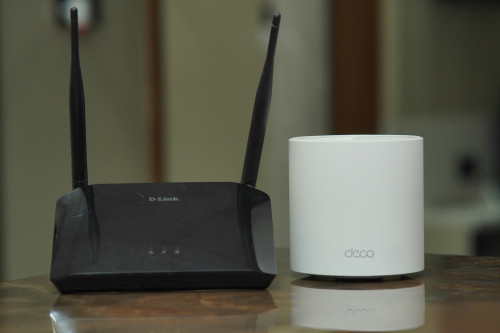
- Wi-Fi mesh systems use multiple units that work together as one network. They provide consistent coverage throughout the house and are ideal for larger homes.
- Wi-Fi extenders boost the signal from your router but may slightly reduce speed. They’re best for smaller areas with weak coverage.
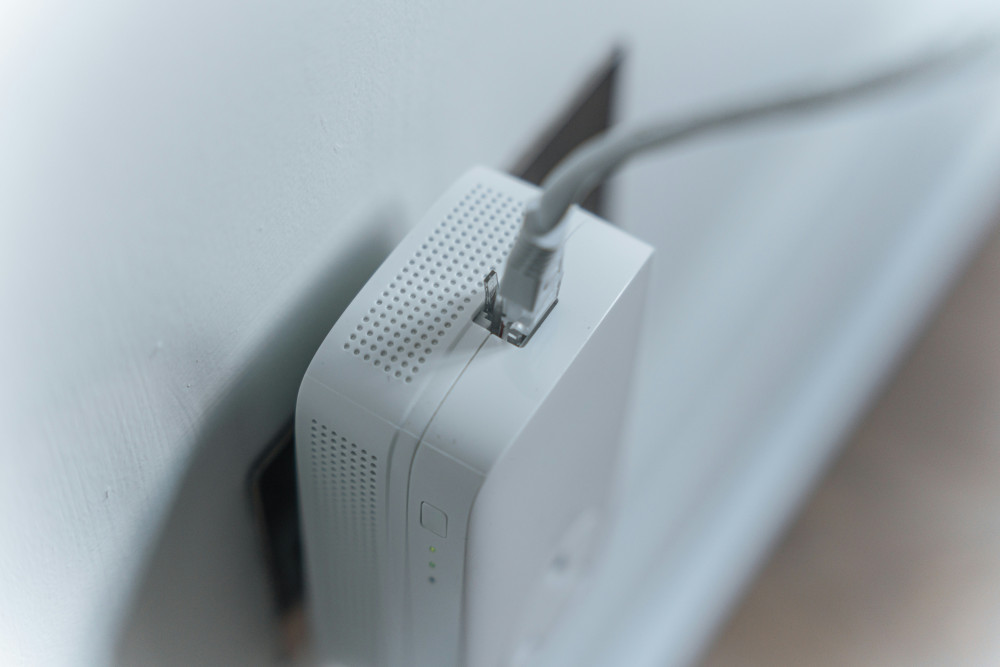
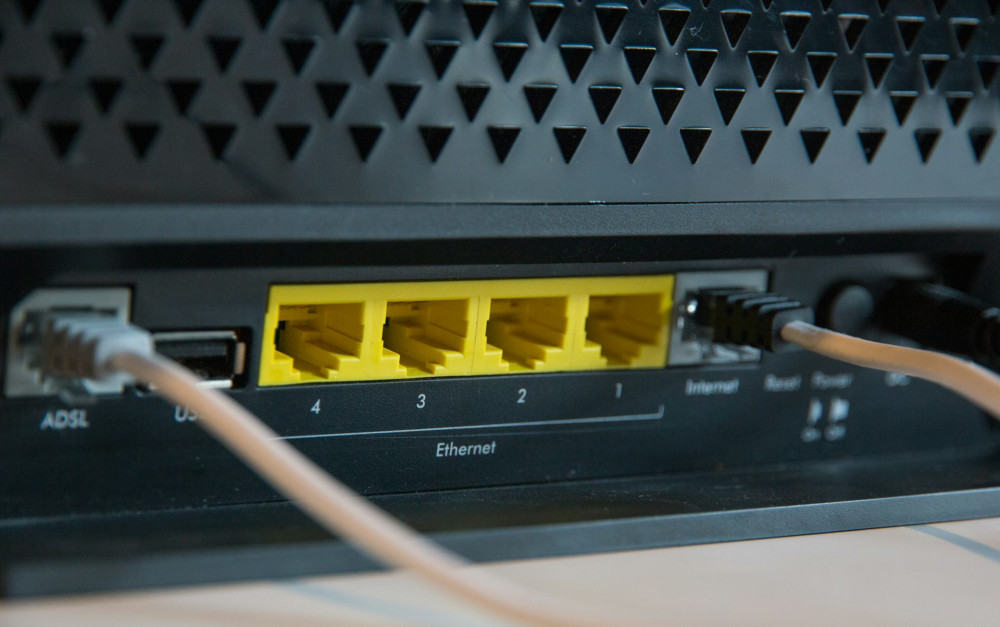
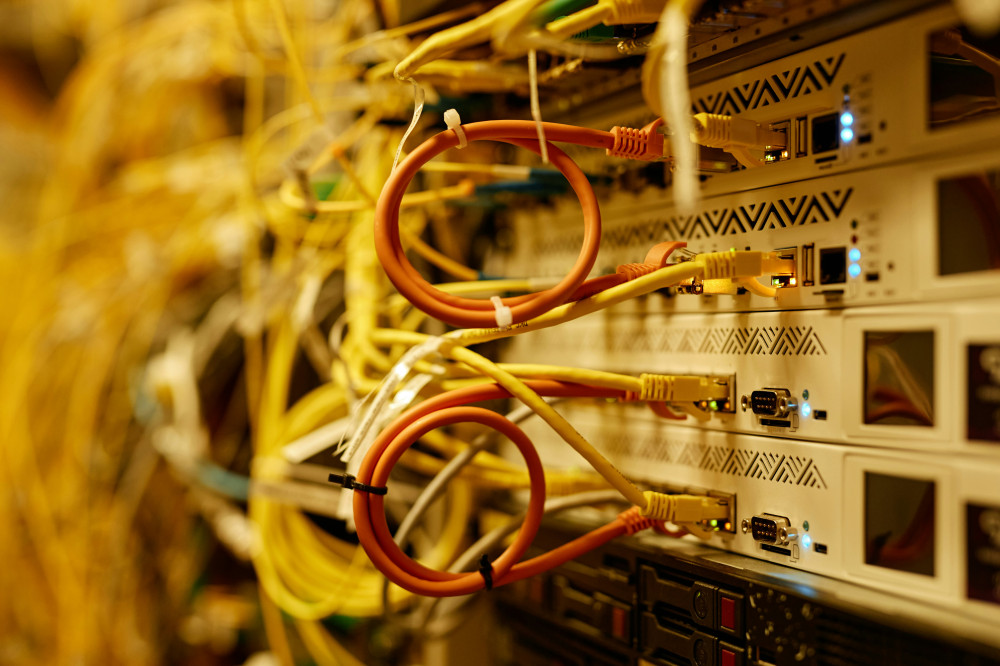
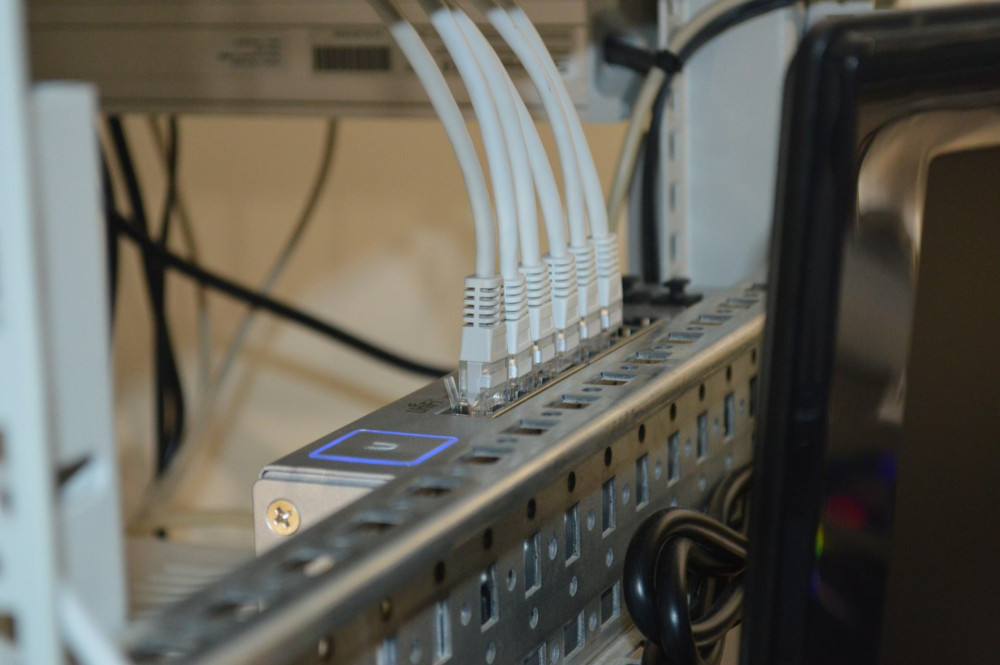
- Wired connections (Ethernet) remain the most stable option—perfect for desktop computers, gaming consoles, and smart TVs.
A combination of wired and wireless connections often delivers the best performance.
Læs også:

Update and Optimize Your Equipment
Even the best placement won’t help if your equipment is outdated. Routers, like computers, have a limited lifespan, and technology evolves quickly.
- Update your router’s firmware regularly—it improves both security and performance.
- Replace older routers (more than five years old), as they may not support the latest Wi-Fi standards like Wi-Fi 6 or 6E.
- Use the right frequency bands—2.4 GHz offers longer range, while 5 GHz provides faster speeds over shorter distances.
Check with your internet service provider (ISP) to see if they offer upgraded equipment—many do at no extra cost.
Avoid Network Overload
Today’s homes are filled with Wi-Fi devices—from smartphones and tablets to smart bulbs and speakers. Too many connected devices can slow things down.
- Label and organize your devices so you can identify which ones use the most data.
- Prioritize important devices in your router’s settings (using the QoS feature) so video calls and streaming get top priority.
- Turn off unused devices, especially older tablets or smart gadgets that stay connected all the time.
A tidy network is a faster network.
Test and Adjust
Once you’ve positioned and configured your equipment, it’s a good idea to test your coverage. Use a Wi-Fi analyzer app or an online speed test to measure signal strength and speed in different rooms. Move your router or mesh units slightly until you find the best balance between coverage and performance.
Even small adjustments—like shifting your router a few feet—can make a noticeable difference.
A Stable Network Starts with Placement
A strong home network doesn’t necessarily require expensive equipment, but it does require thoughtful setup. By placing your router correctly, understanding your home’s layout, and keeping your equipment up to date, you can get much more out of your internet connection—in speed, stability, and overall experience.
Læs også: